Time to First Audio: Why Your Voice AI Feels Slow
A voice agent can answer in 2 seconds and still feel slower than one that takes 4. Time to first audio is the number to measure, and five fixes move it.

7 min read · Last updated: October 25, 2026
Time to first audio (TTFA) is how long a caller waits between finishing a sentence and hearing the agent's first playable sound. It decides whether a voice AI feels slow. A 4-second answer that starts after 1 second feels faster than a 2-second answer that starts after 4.
Came here from Instagram, LinkedIn, X or YouTube? Here is the full source list you came for. Everything below is built from these, nothing else.
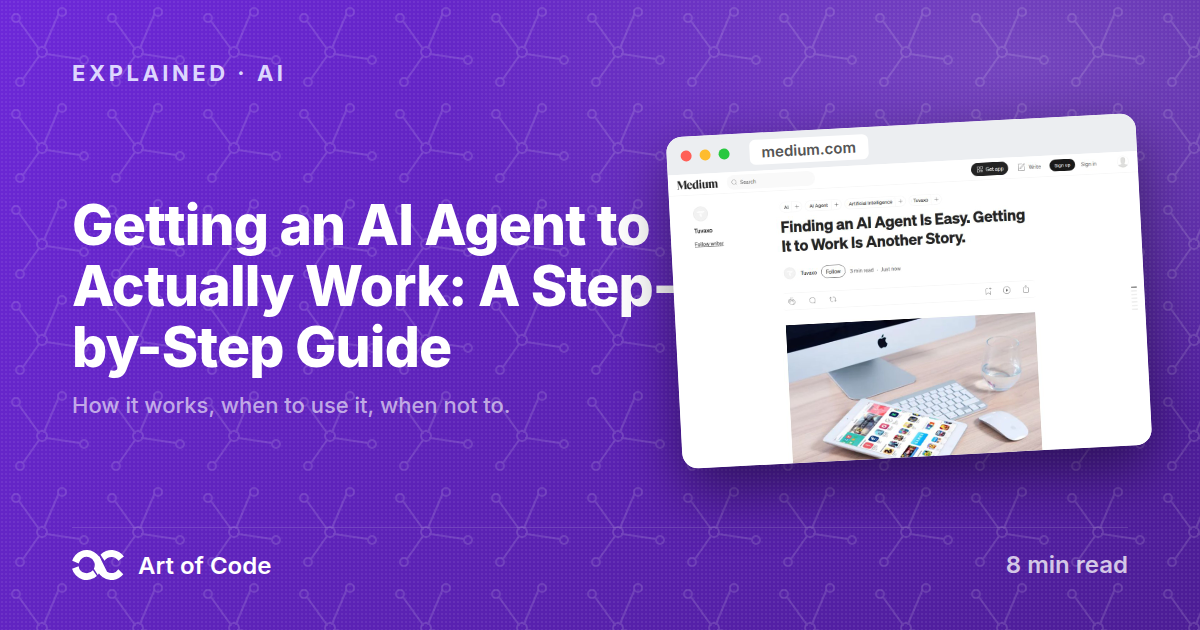
The write-up that started this
The measurement guides
Imagine two restaurants. In the first, the waiter says "coming right up" within a second, and the soup lands 4 seconds later. In the second, you stare at an empty table for 4 seconds, and the soup arrives 2 seconds after that.
The first restaurant took longer in total. It still felt faster, because something happened right away.
Voice AI works the same way. Most teams time the whole response. Callers only feel the silence before the first word. In the Medium write-up above, the author cut a caller's wait from about 9 seconds of silence to roughly 1 to 1.5 seconds. The fix was not a faster model. It was measuring the right thing and fixing the pipeline around it.
Key takeaways
- Time to first audio is the silence a caller hears, not the total response time.
- A 4-second answer starting at 1 second feels faster than a 2-second answer starting at 4.
- According to Coval's guide (March 3, 2026), delays under 1 second feel natural and delays over 3 seconds feel like a failure.
- Timing the first byte can lie. Gradium (March 24, 2026) shows headers arriving at 50 ms while the first sound arrives at 200 ms.
- Report p95 and p99, not averages. Coval's example: a 1.2 s average hid a 4.5 s p95.
- Five orchestration fixes did the work: conditional retrieval, token streaming, warm connections, hidden embedding latency, small context.
What is time to first audio, and why does it beat total response time?
Time to first audio is the elapsed time from the user finishing speech to the first audible sound from the agent. Total response time ignores that gap. A caller on the phone cannot see a spinner, so every silent second reads as "is this thing broken?"
Coval, a voice AI testing company, defines latency as the time from the end of the user's utterance to the first audio played. Its guide gives these perception thresholds:
| Delay before the agent speaks | How it feels |
|---|---|
| Under 1 second | Natural |
| 1 to 2 seconds | Acceptable |
| 2 to 3 seconds | Noticeable, users start to feel uncertain |
| Over 3 seconds | Poor, users may think the system failed or hang up |
Note that two definitions are in use. Coval measures from end of speech to first audio played, covering the whole pipeline. Gradium, a speech model company, defines TTFA as the time from sending a request to receiving the first playable audio samples, which covers only the text-to-speech step. Pick one, write it down, and use it everywhere.
Where does the time go in a voice AI pipeline?
A cascaded voice agent runs speech-to-text, then a language model, then text-to-speech, and each stage adds delay. Coval puts the total for that cascade at 1,400 to 2,600 ms, and 900 to 2,000 ms for speech-to-speech models. The budget below shows where a cascaded agent spends it.
| Stage | Coval's cascaded budget |
|---|---|
| Speech-to-text (STT) | 300 to 500 ms |
| Language model (LLM) | 600 to 1,200 ms |
| Text-to-speech (TTS) | 300 to 500 ms |
| Network and orchestration | 200 to 400 ms |
| Total | 1,400 to 2,600 ms |
Those are healthy numbers. A 9-second silence is not a model problem at that budget. It means something around the model is waiting when it should not be, such as a retrieval call that runs on every turn or a connection opened from scratch.
How do you cut time to first audio, step by step?
You cut it by removing waits, not by swapping models. The Medium author lists five changes. Apply them in this order, because the first two give the biggest drop for the least work.
- Run retrieval only when needed. Skip RAG (retrieval-augmented generation, where the agent searches your documents before answering) for greetings and acknowledgments like "okay" or "thanks". Retrieve only for company-specific questions.
- Stream tokens into speech. Buffer the LLM's output and send it to TTS while the answer is still being generated. Audio starts before the LLM finishes. Gradium recommends the same.
- Keep connections warm. Hold one persistent WebSocket per call, and keep a pool of sockets ready for greetings, so nobody pays for a handshake. Gradium measured roughly 50 ms saved per turn by reusing one connection.
- Hide embedding latency. Generate embeddings early from partial transcripts, cache queries after stripping filler words like "um", and run the embedding model on the same machine. The author reports that step falls to about 10 to 30 ms.
- Keep context small. Use a small top-k, cap chunk sizes, and set a similarity threshold. Sometimes "I don't know, want me to transfer you?" beats a slow, confident answer.
Gradium adds a sixth that costs nothing in code: colocate your STT, LLM, TTS and orchestration server near each other and near the user. It says cross-datacenter hops can add hundreds of milliseconds.
How do you measure TTFA correctly?
Measure the first chunk that contains real audio samples, not the first byte of the response. Streaming TTS APIs often send container data first, such as WAV headers or MP3 ID3 tags. Gradium's example: headers arrive at 50 ms, sound arrives at 200 ms, so a naive benchmark says 50 ms while the user waits 250 ms.
Then report percentiles. Coval recommends tracking p50, p95, p99 and max, and alerting on percentiles rather than averages. Its example is an average of 1.2 seconds sitting on top of a p95 of 4.5 seconds, which means one call in twenty feels broken.
When should you use this approach, and when not?
Optimize TTFA whenever a human waits on a voice. Skip the heavy orchestration work if you do not need it, because owning the pipeline has a price. The Medium author is upfront about the tradeoff.
| Situation | Do this |
|---|---|
| Live phone or voice calls with a person waiting | Optimize TTFA first, track p95 |
| Agent searches your documents on every turn | Make retrieval conditional |
| Async voice notes or generated audio files | Total time matters more, TTFA barely does |
| Small prototype, few calls | A managed voice platform is fine |
| You need full control of latency | Own the orchestration layer, accept the extra work |
Owning the orchestration layer means you also own barge-in (the caller interrupting the agent), turn detection, guardrails and call transfers. A managed platform handles those for you. If your wait is already under 1 second by Coval's thresholds, stop and ship.
What does a TTFA measurement look like in code?
The sketch below is my own illustration, not code from the article. It shows the two moves that matter: flush text to TTS at natural pauses, and stamp the clock on the first chunk with real audio.
import time

async def sentence_chunks(llm_tokens):
    buf = ""
    async for tok in llm_tokens:
        buf += tok
        if buf.endswith((".", "?", "!", ",")) and len(buf) > 20:
            yield buf
            buf = ""
    if buf:
        yield buf

async def reply(llm_tokens, tts, play, log, speech_ended_at):
    first_audio_at = None
    async for chunk in tts.stream(sentence_chunks(llm_tokens)):
        if first_audio_at is None and chunk.has_audio_samples:
            first_audio_at = time.perf_counter()
            log("ttfa_ms", (first_audio_at - speech_ended_at) * 1000)
        play(chunk)
In words: caller stops talking, you record the time, the LLM starts streaming tokens, you cut them at the first comma or full stop, TTS speaks that piece while the LLM writes the next one, and you log the moment the first real sound plays. Ship that number to a dashboard as p50, p95 and p99.
FAQ
What is a good time to first audio for a voice AI?
Under 1 second from the end of the caller's speech feels natural, according to Coval's guide (March 3, 2026). One to 2 seconds is acceptable. Past 3 seconds, callers may think the system failed. For the TTS step alone, Coval cites 200 to 400 ms as fast.
Is time to first audio the same as time to first byte?
No. Time to first byte can capture container headers that carry no sound. Gradium's example (March 24, 2026) shows headers at 50 ms but audio at 200 ms. Measure the first chunk with encoded audio samples, or your number will be too good.
Do I need a faster model to fix a slow voice agent?
Not first. The Medium author cut the silence from about 9 seconds to roughly 1 to 1.5 seconds with orchestration changes: conditional retrieval, token streaming, warm WebSockets, hidden embedding latency and a small context. Check where the waiting happens before you change the model.
Why track p95 and p99 instead of the average?
Averages hide the worst calls. Coval's example is a 1.2 second average with a 4.5 second p95. Roughly one caller in twenty waited over four seconds, and the average never showed it.
Start by logging TTFA on your own calls this week, and use the free tools on Art of Code for the boring parts. For the streaming idea behind this, read how Netflix streams videos without buffering. For voice models, see our look at the Block Dessa voice model. For thinking in latency budgets, see why most developers fail system design interviews.
Written by Adithya Guttha, Founder of Art of Code.
Sign in to like and save posts.
Keep reading
Discussion
Comments (0)
Want to join the conversation?
Sign in to commentNo comments yet. Be the first to comment!