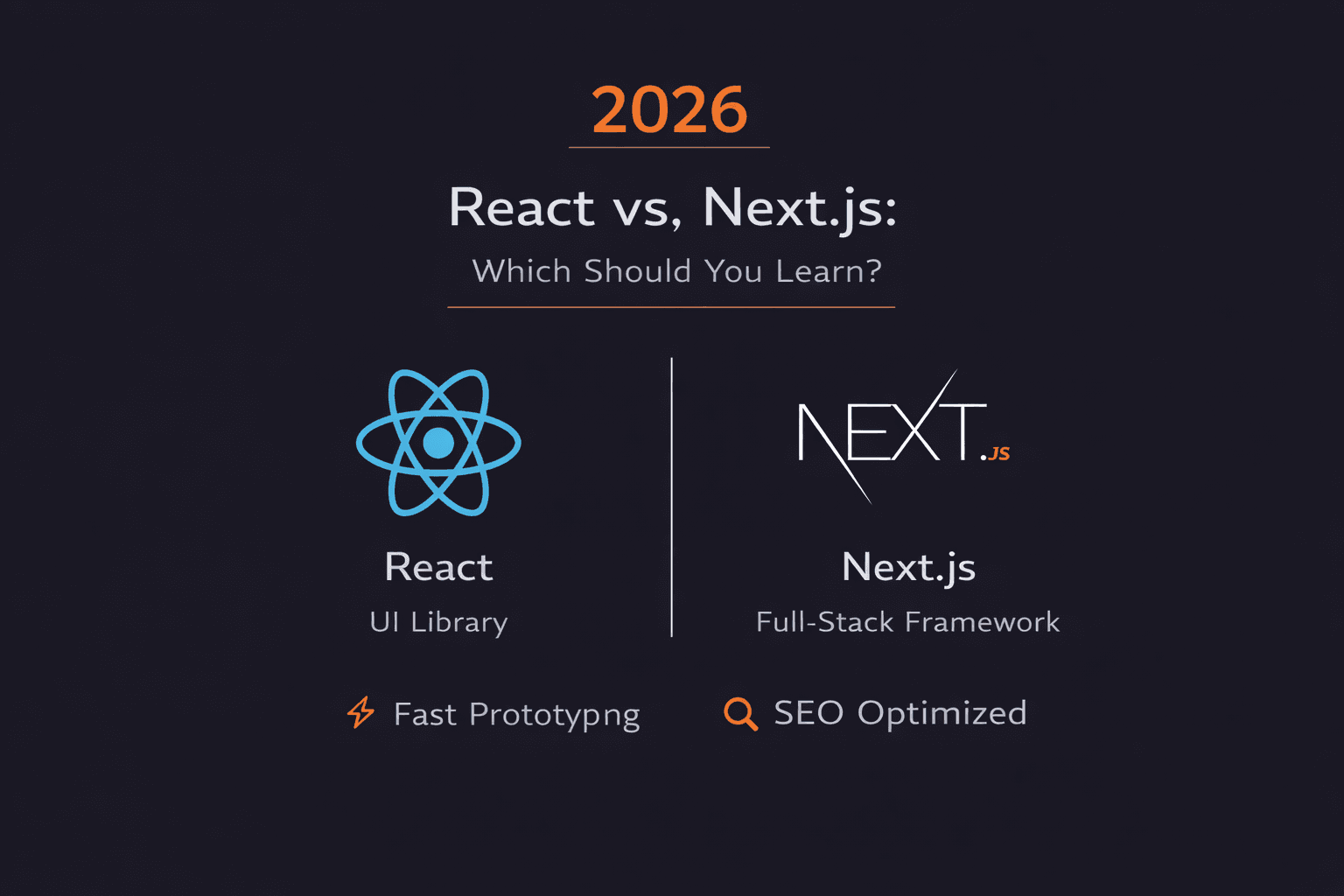
React vs Next.js: What's the Difference and Which Should You Use in 2026?
React is a UI library. Next.js is a full framework built on React with routing, SSR, and SEO. Use React for internal tools. Use Next.js for public websites. Here's why.
Short answer: React is a JavaScript library for building user interfaces and it's just the engine. Next.js is a full framework built on top of React that adds routing, server-side rendering, SEO optimization, and deployment tools. Use React for internal dashboards and apps where SEO doesn't matter. Use Next.js for public-facing websites, e-commerce, and any site that needs to rank on Google.
The choice affects your launch speed, Google rankings, and long-term costs.
What is React?
React is an open-source JavaScript library for building user interfaces.
That's it. It does one job: Build the UI layer of your app.
The best analogy: React is the engine of a car.
It's incredibly powerful at what it does (making the car go), but it's just the engine. It's not the whole car.
What React gives you:
- Component-based architecture
- Virtual DOM for fast updates
- State management
- Event handling
- JSX syntax
What React DOESN'T give you:
- Routing (navigating between pages)
- Server-side rendering
- SEO optimization
- Image optimization
- API routes
- Build configuration
You have to add those yourself.
Why React's component-based architecture matters
Think of React components like Lego bricks.
Instead of building a website as one giant piece, you build tiny, reusable components.
Example components:
jsx
// Button component
function Button({ text, onClick }) {
  return (
    <button onClick={onClick}>
      {text}
    </button>
  );
}

// Use it anywhere
<Button text="Click me" onClick={handleClick} />
<Button text="Submit" onClick={handleSubmit} />
Why this matters for your business:
1. Consistency
Use the same button component everywhere. Your UI looks consistent across the entire app.
2. Scalability
As your app grows, teams can build faster because they're reusing components, not rebuilding from scratch.
3. Easier maintenance
If a component breaks, fix it once. It updates everywhere.
This saves massive amounts of time and money.
The catch with React: You build everything else
React gives you freedom. But freedom has a price.
Since you only get the engine, your team builds the rest of the car.
That means figuring out:
- How to handle routing (React Router, TanStack Router)
- How to do SEO (next-seo, React Helmet)
- How to optimize performance (code splitting, lazy loading)
- How to configure builds (Vite, Webpack)
- How to deploy (Vercel, Netlify, AWS)
The final quality depends on how skilled your team is.
Great team + React = Amazing app
Average team + React = Potentially messy codebase
What is Next.js?
If React is the engine, Next.js is the whole car.
Next.js is a full-stack framework built on top of React. It takes the React engine and puts it inside a high-performance chassis with everything you need.
It's basically ready to drive off the lot.
What Next.js adds on top of React:
1. File-based routing
No need to configure routes manually. Create a file, get a route.
pages/
  index.js → /
  about.js → /about
  blog/
    [slug].js → /blog/any-slug
2. Server-side rendering (SSR)
Pages render on the server before reaching the user. Great for SEO and performance.
3. Static site generation (SSG)
Build pages at build time. Lightning fast, cheap to host.
4. API routes
Build backend APIs right inside your Next.js project.
javascript
// pages/api/hello.js
export default function handler(req, res) {
  res.status(200).json({ message: 'Hello!' });
}
5. Image optimization
Automatically optimizes images for different screen sizes.
jsx
import Image from 'next/image'

<Image src="/photo.jpg" width={500} height={300} alt="Photo" />
6. Built-in CSS/Sass support
No configuration needed. Just import and use.
All this stuff you'd have to build yourself with React is just... there.
Why SSR and SSG are game-changers
SSR (Server-Side Rendering) and SSG (Static Site Generation) are Next.js's secret weapons.
Here's why they matter:
1. Amazing SEO
Pages are fully rendered before they reach the user.
Google sees a complete page. Better rankings.
With plain React:
Google sees an empty HTML file with <div id="root"></div> and has to wait for JavaScript to load.
With Next.js:
Google sees the full content immediately.
2. Faster initial load
Users see content immediately instead of staring at a blank screen while JavaScript loads.
3. Lower hosting costs
Static pages (SSG) are just HTML files. Host them anywhere for pennies.
It's a win-win-win.
But Next.js isn't perfect
All this power comes with trade-offs:
1. More complexity
More moving parts. More concepts to learn (SSR, SSG, ISR, app router, pages router).
2. Slower build times
For huge sites, generating thousands of static pages can take minutes.
3. Sometimes overkill
Building a simple internal dashboard where SEO doesn't matter? Next.js is like using a sledgehammer to crack a nut.
React vs Next.js: Head-to-Head Comparison
| Feature | React | Next.js |
|---|---|---|
| What it is | JavaScript library (UI only) | Full-stack framework |
| Routing | Manual (React Router, etc.) | Built-in file-based routing |
| SSR (Server-Side Rendering) | Not built-in (need custom setup) | Built-in, works out of the box |
| SSG (Static Site Generation) | Not built-in | Built-in |
| SEO | Difficult (client-side rendering) | Excellent (SSR/SSG support) |
| Performance | You optimize manually | Optimized by default |
| Image Optimization | Manual | Automatic |
| API Routes | Need separate backend | Built-in |
| Learning Curve | Moderate | Steeper (more concepts) |
| Setup Complexity | Minimal (just React) | More configuration options |
| Build Tool | Choose your own (Vite, CRA) | Next.js handles it |
| Deployment | Any static host | Optimized for Vercel |
| Bundle Size | Smaller (less features) | Larger (more features) |
| Use Cases | Internal tools, dashboards, SPAs | Public websites, e-commerce, blogs |
| Development Speed | Slower (build everything) | Faster (everything included) |
When should you use React?
Choose React when:
1. Your app lives behind a login
Building an admin dashboard? Internal tool? CRM?
SEO doesn't matter because Google can't see it anyway.
React is perfect.
2. SEO is not a concern
Internal tools, desktop apps (Electron), mobile apps (React Native).
None of these need Google to find them.
3. You have a strong senior engineering team
Your team can handle building architecture, routing, and optimization.
You value maximum flexibility over convention.
4. You need to integrate with complex existing systems
Your app needs to fit into a specific architecture.
React's flexibility makes this easier.
5. You're building a highly interactive app
Real-time collaboration tools, design tools, games.
Where every millisecond of client-side performance matters.
Examples:
- Notion (collaborative docs)
- Figma (design tool)
- Asana (project management)
- Internal company dashboards
When should you use Next.js?
Choose Next.js when:
1. Organic traffic from Google is critical
E-commerce sites, blogs, marketing sites, portfolios.
If you need people to find you on Google, you need Next.js.
2. You want a fast website without tons of setup
Next.js gives you performance optimization out of the box.
No need to manually configure code splitting, image optimization, etc.
3. You want proven patterns for common problems
Routing, data fetching, API routes and all standardized.
Less decision fatigue. Faster development.
4. Getting to market fast is your priority
Next.js removes hundreds of decisions. You just build features.
5. You're building a content-heavy site
Blogs, documentation sites, marketing pages.
Static generation makes these blazing fast and cheap to host.
Examples:
- Vercel's website (Next.js creators)
- TikTok (parts of their web app)
- Twitch (video streaming)
- Hulu (streaming service)
- Nike (e-commerce)
The real question: Structure vs Flexibility
This isn't about React vs Next.js.
It's about choosing your trade-offs:
React = Maximum flexibility
- Total control over architecture
- Choose every tool
- Build exactly what you need
- Requires strong team
Next.js = Proven structure
- Decisions made for you
- Best practices built-in
- Faster development
- Easier for junior developers
Neither is "better." They solve different problems.
What most developers actually do
Here's a secret: Most teams use both.
Common pattern:
- Next.js for the public-facing website (marketing, blog, product pages)
- React for the actual app (dashboard, internal tools)
Why?
The website needs SEO → Next.js
The app doesn't need SEO → React (lighter, more flexible)
Example:
Notion's marketing site: Next.js (needs to rank on Google)
Notion's actual app: React (behind login, SEO doesn't matter)
Our take at Art of Code
Our recommendation for students:
Learn React first. Understand components, state, props, hooks.
Then learn Next.js. You'll appreciate what it does for you.
Timeline:
- Month 1-2: Learn React
- Month 3: Build 2-3 React projects
- Month 4: Learn Next.js
- Month 5-6: Build Next.js projects
Why this order?
Next.js is React + extras. If you don't understand React, Next.js will confuse you.
Want to build projects while learning?
Use it to:
- Build React and Next.js projects quickly
- Test which framework feels better
- Ship real products
- Learn by doing, not just watching
Then understand the differences deeply.
5 FAQs
Q: Can I use React components in Next.js?
A: Yes! Next.js is built on React. Every React component works in Next.js. You're literally writing React code. Next.js just adds features on top like routing and SSR. All your React knowledge transfers directly.
Q: Is Next.js harder to learn than React?
A: Yes, slightly. Next.js has more concepts (SSR, SSG, ISR, app router). But if you know React, learning Next.js takes 1-2 weeks. It's not a huge jump. The hardest part is understanding when to use SSR vs SSG vs client-side rendering.
Q: Does Next.js make my app slower?
A: No. Next.js apps are usually faster because of built-in optimizations (code splitting, image optimization, SSR). The bundle might be slightly larger, but perceived performance is better. Users see content faster.
Q: Can I switch from React to Next.js later?
A: Yes, but it's work. You'll need to refactor routing, possibly rewrite data fetching, and restructure your project. Not impossible, but not trivial either. Better to choose correctly from the start.
Q: Do I need to know React before learning Next.js?
A: Yes. Absolutely. Next.js is React with extras. If you don't understand React (components, state, props, hooks), Next.js will be confusing. Learn React first, build 2-3 projects, then move to Next.js.
The bottom line
React vs Next.js isn't about which is "better."
It's about choosing the right tool for your specific needs.
Choose React if:
- Building internal tools
- SEO doesn't matter
- You want maximum flexibility
- You have a strong engineering team
Choose Next.js if:
- Building public-facing websites
- SEO is critical
- You want fast development
- You want proven patterns
Most importantly: Think long-term.
Don't just think about launch day. Think about where you want this project in 2 years.
Are you building for now, or building for what's next?
Pick the foundation that lets you grow.
Which framework are you using for your next project? Drop a comment.
We read them all and use them to create better tutorials.
Written by Curious Adithya for Art of Code