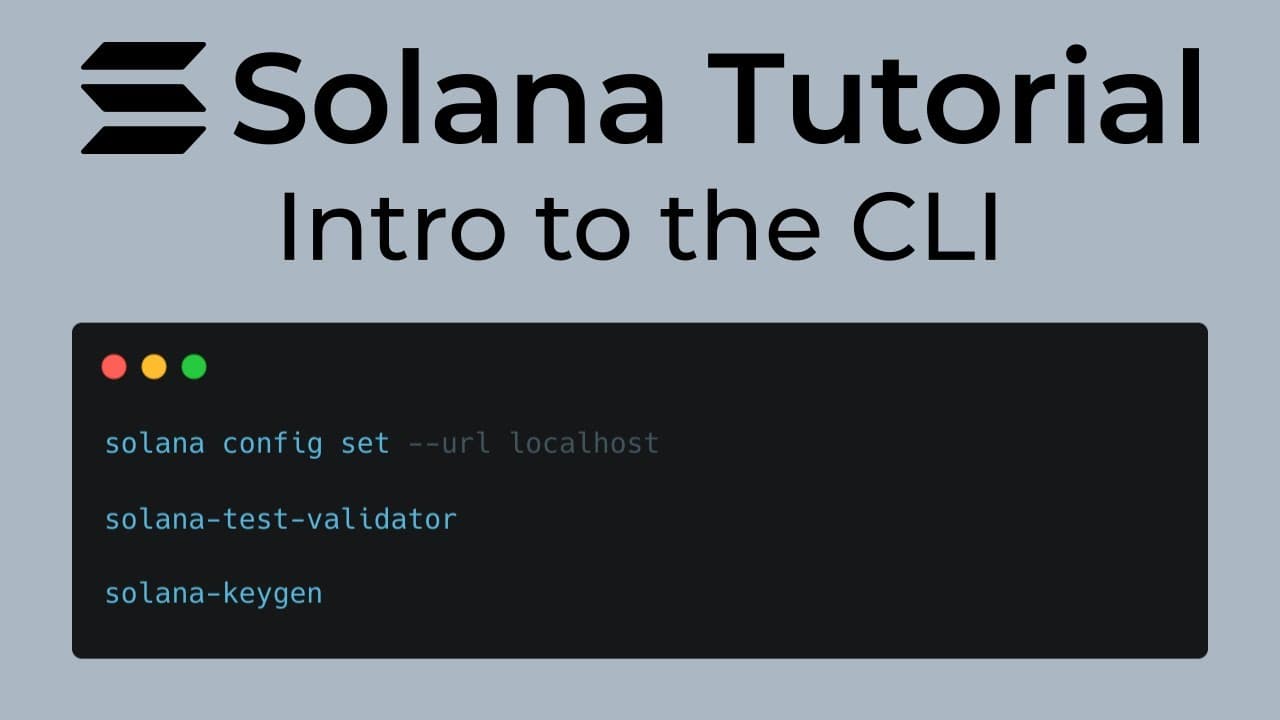
A Beginner’s Guide to Solana CLI: Install, Connect, and Create Your First Token If you're starting your journey in the Solana ecosystem, one of the best tools to learn first is the Solana CLI.
The command line interface lets you interact directly with the Solana blockchain. You can create wallets, request test tokens, deploy programs, and even mint yo...
The command line interface lets you interact directly with the Solana blockchain. You can create wallets, request test tokens, deploy programs, and even mint your own tokens — all from your terminal.
In this beginner-friendly guide, you'll learn how to:
Install the Solana CLI
Understand Solana clusters
Connect to the network using RPC
Create your first token using CLI
Let’s get started.
- Installing the Solana CLI
To work with Solana from your terminal, you first need to install the Solana CLI tools.
Run the following command:
sh -c "$(curl -sSfL https://release.anza.xyz/stable/install)"
This script downloads and installs the latest stable version of the Solana CLI.
After installation, verify it with:
solana --version
If the command returns a version number, the installation was successful.
Windows Users
Installing Solana directly on Windows can sometimes be difficult.
You can download the binaries here:
https://github.com/solana-labs/solana/releases
However, the recommended approach is to use WSL (Windows Subsystem for Linux). Solana development tools generally work more smoothly in a Linux environment.
- Understanding Solana Clusters
Solana provides different environments called clusters. These clusters allow developers to test applications safely before deploying them to the real network.
The three main clusters are:
Cluster Purpose
Devnet Development and testing
Testnet Validator testing and network experiments
Mainnet The live production blockchain
Most developers start with Devnet, which provides free test tokens.
Reference: https://solana.com/docs/references/clusters
- What Are Solana RPC Servers?
RPC servers act as the communication layer between your application and the blockchain.
Validators are responsible for producing blocks and maintaining the network. RPC servers allow users and applications to interact with those validators.
Through RPC endpoints you can:
Send transactions
Query balances
Fetch account data
Retrieve block information
RPC servers expose APIs such as:
JSON-RPC
WebSocket
Many developers use hosted RPC providers instead of running their own infrastructure. Popular providers include:
Helius
QuickNode
Triton
These services provide fast and reliable access to the Solana network.
- Create a Wallet Using the CLI
Before interacting with Solana, you need a wallet.
Generate a new keypair using:
solana-keygen new
This creates a wallet with:
a public key (your wallet address)
a private key stored locally
Your public key will be used to receive tokens and interact with the blockchain.
- Connect to the Devnet Cluster
Next, configure your CLI to use the Devnet cluster.
solana config set --url https://api.devnet.solana.com
You can confirm the configuration with:
solana config get
This ensures all commands interact with the Devnet environment.
- Request Free SOL for Testing
Transactions on Solana require SOL for fees. On Devnet, you can request free test tokens using an airdrop.
Run:
solana airdrop 1
This gives your wallet 1 SOL for testing.
Sometimes this command may fail due to rate limits. If that happens, you can request tokens using the faucet:
To verify your balance:
solana balance
7. Create Your First Token
Now let's create a token using the Solana CLI.
Solana uses the SPL Token Program to manage tokens.
To create a new token mint, run:
spl-token create-token
This command creates a mint account.
The mint account stores important information about your token, such as:
total supply
decimal precision
mint authority
freeze authority
Your regular wallet account cannot store these token-specific properties, which is why a separate mint account is required.
- View Your Token on the Solana Explorer
After creating the token, you can view it using the Solana explorer.
Visit:
Make sure to switch the network to Devnet, then paste your mint address.
The explorer will display information about your token account.
- Mint Tokens to Your Wallet
At this point, your token exists but has zero supply.
You can mint tokens using:
spl-token mint <TOKEN_ADDRESS> 100
This command creates 100 tokens and sends them to your wallet.
- Check Your Token Balance
Finally, check the balance of your token:
spl-token balance <TOKEN_ADDRESS>
You can also verify the token supply in the Solana explorer.
If everything worked correctly, you should now see a supply of 100 tokens.
Conclusion
In this guide, you learned how to get started with Solana using the CLI.
We covered:
Installing the Solana CLI
Understanding clusters
Connecting to Devnet
Creating a wallet
Minting your first token
Learning these basic CLI commands helps you understand how Solana works under the hood. From here, you can move on to more advanced topics like Solana programs, Anchor framework, and decentralized applications.
If you're learning Solana development, experimenting with the CLI is one of the best ways to build a strong foundation.
Feel free to share feedback — it helps improve future tutorials.